Tractive troubleshooting
Tractive problems: what owners report and what actually fixes them
Search for Tractive problems and you get two extremes: glowing five-star write-ups and furious one-star warnings, with very little in between. Our job is the middle. We run a Tractive DOG 6 on our own test collar (our Tractive DOG 6 review follows the test cycle as it runs), we checked the actual complaint record on Trustpilot on 29 August 2026, and every fix below comes from Tractive's own help centre. Where we have not yet reproduced a fault on our unit, we say so plainly.
What owners actually complain about
We read the Tractive complaints ourselves rather than summarising other summaries. On 29 August 2026, tractive.com held a 4.7 out of 5 TrustScore from 59,394 Trustpilot reviews. That is a strong record, and it matters. The loud complaints are a minority. But the negative reviews are unusually consistent about what goes wrong, and the same themes come up in independent long-term reviews and owner comment threads. Here is the honest map, alongside where each problem usually gets fixed. For how Tractive stacks up against every tracker we cover, see our best dog GPS trackers guide.
| Theme | What reviewers describe | Reproduced on our DOG 6 | Where the fix usually is |
|---|---|---|---|
| Location lag or connectivity | App slow to show the tracker online, delayed position updates | Pending | Settings and coverage, see below |
| Battery drain | Charge lasting days fewer than expected, in one review under 24 hours | Pending | Power saving zone setup, signal strength |
| Not charging | Units that stop taking charge, sometimes within weeks | Pending | Contacts, adapter, hard reset, then warranty |
| Slow support | Unanswered tickets when chasing replacements | Not applicable | Persistence, then retailer rights |
| Returns friction | Return labels issued for inconvenient drop-off points | Not applicable | Your contract is with the retailer, see final section |
| Early hardware failure | Some units failing within weeks of purchase | Pending | Consumer Rights Act 2015 |
Location problems: lag, drift and frozen positions
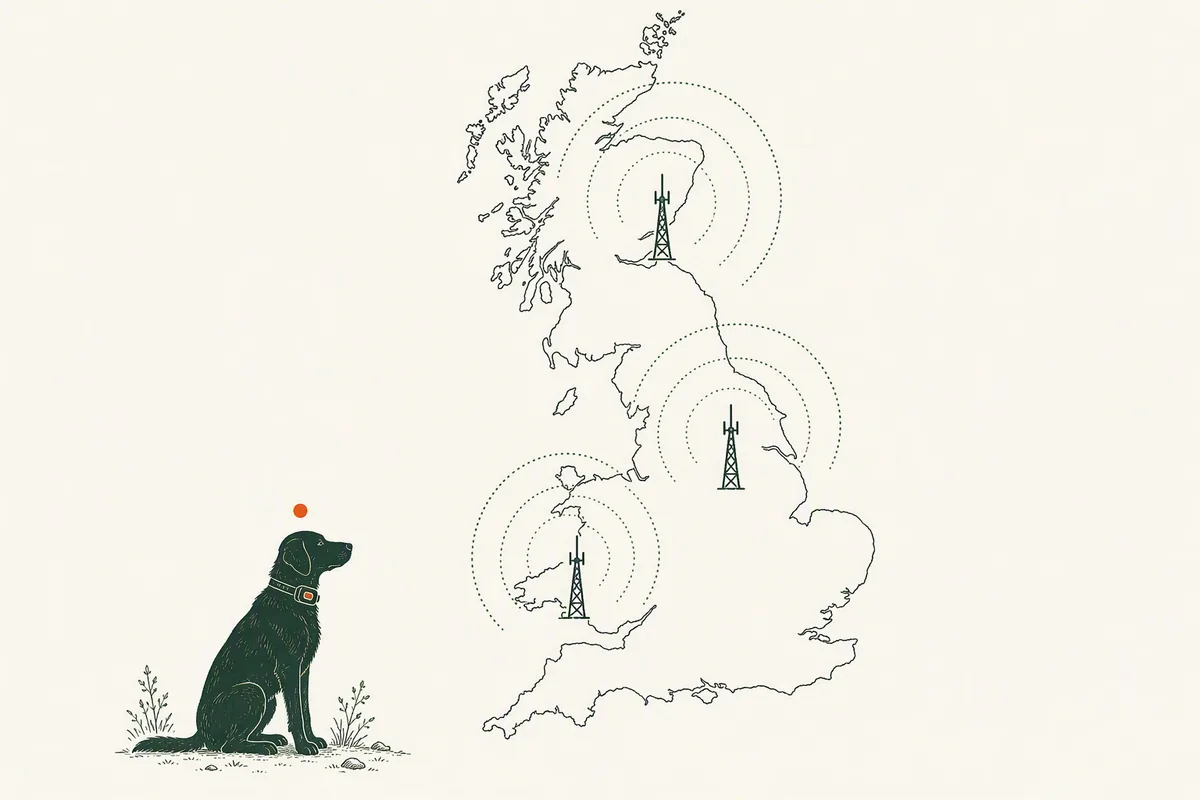
This is the biggest cluster of Tractive complaints and the one most often misdiagnosed as a defect. Three things cause almost all of it. First, the power saving zone. When the tracker detects your trusted home Wi-Fi it deliberately stops reporting GPS positions to save battery, so the app shows a resting position rather than a live one. Second, physics. GPS signals do not reliably pass through walls and roofs, so a tracker on a dog asleep indoors often cannot get a fix at all. Third, mobile coverage. The tracker needs a cell network to send positions, and in dead spots it queues them instead, uploading the backlog to your location history once it reconnects, which Tractive's help centre confirms is expected behaviour.
Ordinary GPS drift is also normal. Any consumer GPS receiver wanders by several metres, more in woodland, between buildings or in heavy rain. A position that hops around your garden is not a fault. A position frozen for hours while your dog is out walking is worth investigating. We keep the full step-by-step diagnosis, including how to tell a stuck power saving zone from a dead tracker, in our dedicated guide to a Tractive not updating its location.
Tractive not charging: work through this list
Charging failures are a verified Trustpilot theme, and they are also the complaint most often solved at home. Tractive's help centre points at a short sequence, and it matches what we would try on any tracker before declaring it dead:
- Inspect and clean the charging contacts on the tracker and cable. Mud, dried slobber and pocket lint are the usual suspects on a device that lives on a dog.
- Swap the power source. Try a different USB adapter and socket you know works, not a laptop port or a worn multiway.
- Leave it connected for at least 30 minutes. A deeply flat battery can take a while to show any sign of life.
- Check the LED. Press the power button once for one second and note the colours you see. The DOG 6 has two LEDs and lights both. The colour combination is diagnostic information Tractive's support team will ask for.
- Hard reset it. With the tracker sitting on the charger, press the power button ten times in a row. A blue LED flash followed by another colour confirms the reset worked. Wait a minute, then power it on. Tractive says this clears temporary software glitches without erasing data.
- If there is still no LED after an hour on a known-good adapter, stop. That is a hardware fault, not a user error, and it moves you to the returns section below.
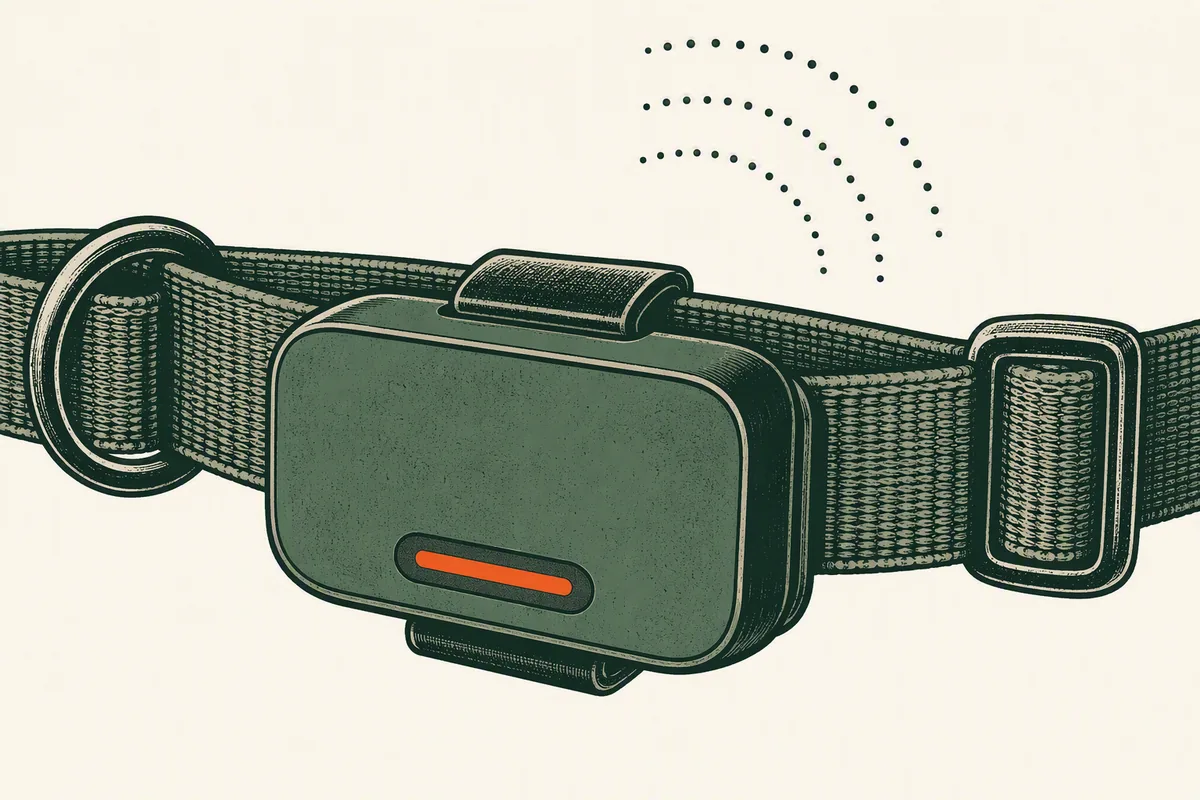
Tracker offline: what the status actually means
The Tractive app shows three statuses: Online, Offline and Near You. Offline sounds alarming but only means the tracker cannot currently reach a mobile network. Common reasons: it is deep indoors, it is in a coverage dead spot, or the battery is flat. Near You means your phone can see the tracker over short-range Bluetooth, which is normal when the dog is in the same room and does not require a GPS fix.
Two things worth knowing before you panic. The tracker keeps trying to reconnect on its own, and any positions it recorded while offline are uploaded to your location history once it gets signal again, so an offline spell rarely means lost data. The quick test, straight from Tractive's own troubleshooting: charge the tracker fully, then carry it in your hand on a ten-minute walk outdoors, where GPS and network signals are strongest, and watch the app for the status to flip to Online. If it comes back to life outside, the hardware is fine and your problem is indoor signal, not the tracker.
One silent cause catches people out. An expired subscription. The built-in SIM stops passing data the moment the plan lapses, with no fault shown on the device itself. Check your plan status in the app before anything else.
Battery complaints: claimed against measured
Battery is the second-biggest verified complaint theme, with some Trustpilot reviewers reporting a day or less per charge, and independent long-term reviewers reporting real-world runtimes well below the headline claim. We will not repeat Tractive's marketing figure here without testing it, and we will not invent a measured number either.
What we can explain now is why experiences vary so wildly. The headline battery figure assumes the tracker spends most of its life resting in a power saving zone. That zone only works on 2.4 GHz Wi-Fi networks supporting the old 802.11b standard, so if your router is 5 GHz only, or broadcasts both bands under one name, the tracker may never detect your home network and never rests. It then burns battery hunting for GPS indoors. Exactly where signals are weakest. Weak mobile coverage has the same effect, forcing constant radio retries. Live tracking, which polls continuously, drains fastest of all. Finally, the battery is built in and not user-replaceable, so gradual capacity loss over years of ownership is a real cost consideration alongside the subscription.
Subscription surprises
A recurring source of frustration is less a defect than a discovery: the tracker does nothing without an active plan. As of 29 August 2026 tractive.com has no UK storefront and serves UK visitors EUR pricing: Basic at 13 euros monthly, 7 euros a month on a one-year term or 5 euros a month on two years, and Premium at 8, 6 or 5 euros a month on one, two or five-year terms, with no monthly billing option on Premium at all. The hardware itself is cheap by comparison. Tractive's official eBay UK shop listed the DOG 6 at £59 on the same date.
Two practical consequences. First, budget for the plan across the dog's lifetime, not the sticker price. Our full breakdown is in the Tractive subscription cost guide. Second, a failed card payment or an expired plan stops tracking silently, which regularly gets misreported as a broken tracker. And if you were hoping to skip the plan entirely, the short answer is you cannot. We cover why in Tractive without a subscription.
Is Tractive reliable? Where we stand
Our honest position: the evidence says mostly yes, with caveats. A 4.7 Trustpilot score across 59,000-plus reviews is not the profile of an unreliable product, and the complaint themes above are consistent and mostly fixable rather than random. Our own DOG 6 is on the bench and on a real dog, and we log faults as they happen rather than working from memory. Until that log has enough months behind it, we will not put a failure-rate number on the record. You can see how we run these tests in how we test and follow the raw entries in the testing log.
One thing we are watching that owners should know about: corporate ownership. Tractive acquired the US brand Whistle in August 2025 and was itself acquired by Bending Spoons in May 2026. Acquisitions of subscription businesses sometimes precede price rises or support restructuring. We have no evidence of either yet. We are simply noting the date and keeping an eye on plan pricing and support response times from here.
When to stop troubleshooting and use your rights
If your tracker fails the basics, meaning it has an active plan, a full battery, a completed hard reset, and it still cannot report positions on a ten-minute outdoor live-tracking walk in an area with mobile coverage, stop troubleshooting. That is a defective unit, and in the UK the law is on your side.
Under the Consumer Rights Act 2015, goods must be of satisfactory quality, fit for purpose and as described. Section 22 gives you a short-term right to reject: 30 days, counted from the day after you own the goods, they have been delivered and any installation is complete. Reject within that window and the retailer owes you a full refund. Helpfully, if you agree to a repair or replacement inside the 30 days, the clock pauses while you wait, so attempting one fix does not burn your rejection right.
After 30 days, you must give the retailer one attempt at repair or replacement. If that fails, you get a final right to reject or a price reduction. And for the first six months, a fault is legally presumed to have been present at purchase unless the retailer proves otherwise, which puts the burden of proof where it belongs.
Three practical notes. Your claim is against the retailer, not Tractive the manufacturer, so keep your order confirmation from wherever you bought it, including Tractive's official eBay UK shop or Amazon. Keep evidence: the LED colours from the button press, screenshots of the offline status, and the date and time of your failed outdoor test. And if the retailer's return logistics are painful, which is a verified complaint theme, remember the refund right itself does not depend on their courier being convenient.
Questions owners actually ask
Is Tractive reliable?
Tractive holds 4.7 out of 5 on Trustpilot from more than 59,000 reviews, checked 29 August 2026, so serious problems are the minority. The recurring complaint themes are location lag, battery drain, charging failures and slow support. Most location and battery issues trace to settings, Wi-Fi compatibility and mobile coverage rather than faulty hardware.
Why is my Tractive not charging?
A Tractive tracker that refuses to charge usually has dirty charging contacts, a weak USB adapter or a glitched software state. Clean the contacts, switch to a known-good adapter and socket, leave it connected for 30 minutes, then hard reset it by pressing the power button ten times while it sits on the charger.
What does offline mean in the Tractive app?
Offline in the Tractive app means the tracker cannot currently reach a mobile network, usually because it is indoors, in a coverage dead spot or flat. It keeps recording positions and uploads them to your location history once reconnected. Charge it fully and test on a ten-minute outdoor walk before assuming a fault.
Can I return a faulty Tractive tracker in the UK?
Under the Consumer Rights Act 2015, UK buyers can reject a faulty Tractive within 30 days of delivery for a full refund from the retailer. After 30 days you must allow one repair or replacement first. For the first six months, the fault is presumed present at purchase unless the retailer proves otherwise.
Why has my Tractive stopped updating location?
A Tractive that stops updating location is usually resting in a Wi-Fi power saving zone, blocked from GPS indoors, or out of mobile coverage. A lapsed subscription also stops updates silently, with no warning on the device. A unit that still fails a ten-minute outdoor live-tracking test after a hard reset is likely defective.